Email Marketing Self Help Email Marketing Self Help

  • Home
  • Sitemap
Home / Automations & Response Data, Getting Started / Finding the URL of a Sent Campaign

Finding the URL of a Sent Campaign

This article explains how to obtain a link to one of your previously sent mailings.

It’s easy to get a link to one of your sent email campaigns. These sharable URLs are great for posting to an archive of your campaign on your website, sharing a link to your campaign in your blog, and many other scenarios. Here’s how to get one:

  1. Navigate to your Response tab.
  2. Click on the name of the desired mailing.
  3. Click on the Open webview in a new window link on the right.
  4. In the new tab that opens, copy the URL from your browser and paste it wherever you’d like to use it.
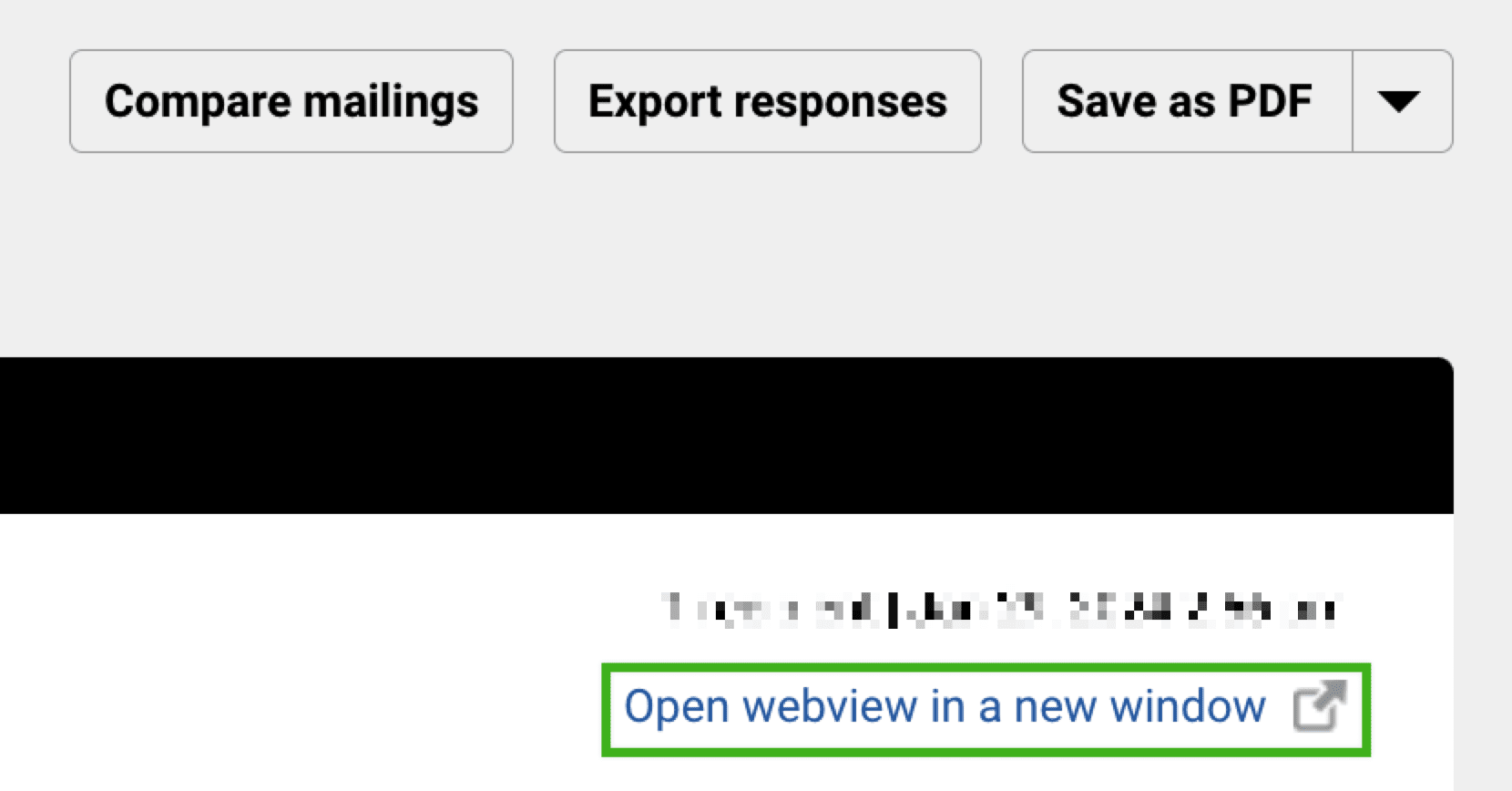
Note: Webview links expire 18 months after the mailing was sent. If you would like a version of the mailing that does not expire, you will need to download it as a PDF.

Additional Resources

  • Drag and Drop Editor: Links
  • Legacy Editor: Links
  • Mailing Response Data: Overview
Automations & Response DataGetting Started

Related Articles

  • Deliverability Hub
  • Deliverability: Overview
  • A Helpful Preflight Checklist for Email Campaigns
  • Why does my mailing have so many clicks?

Categories

  • 32Audience
  • 17Automations & Response Data
  • 32Delivery
  • 46Drag & Drop Editor
  • 18General Troubleshooting
  • 43Getting Started
  • 18HQ Accounts
  • 11HTML for Email
  • 33Lite, Essentials, Team & Corporate Accounts

© Copyright 2022. All rights reserved.